Tracealyzer
Visual Runtime Insights
Get X-ray vision into your embedded software at runtime.
Find improvements quickly, speed up development and verify the real-time behavior.
Deliver great products with confidence.
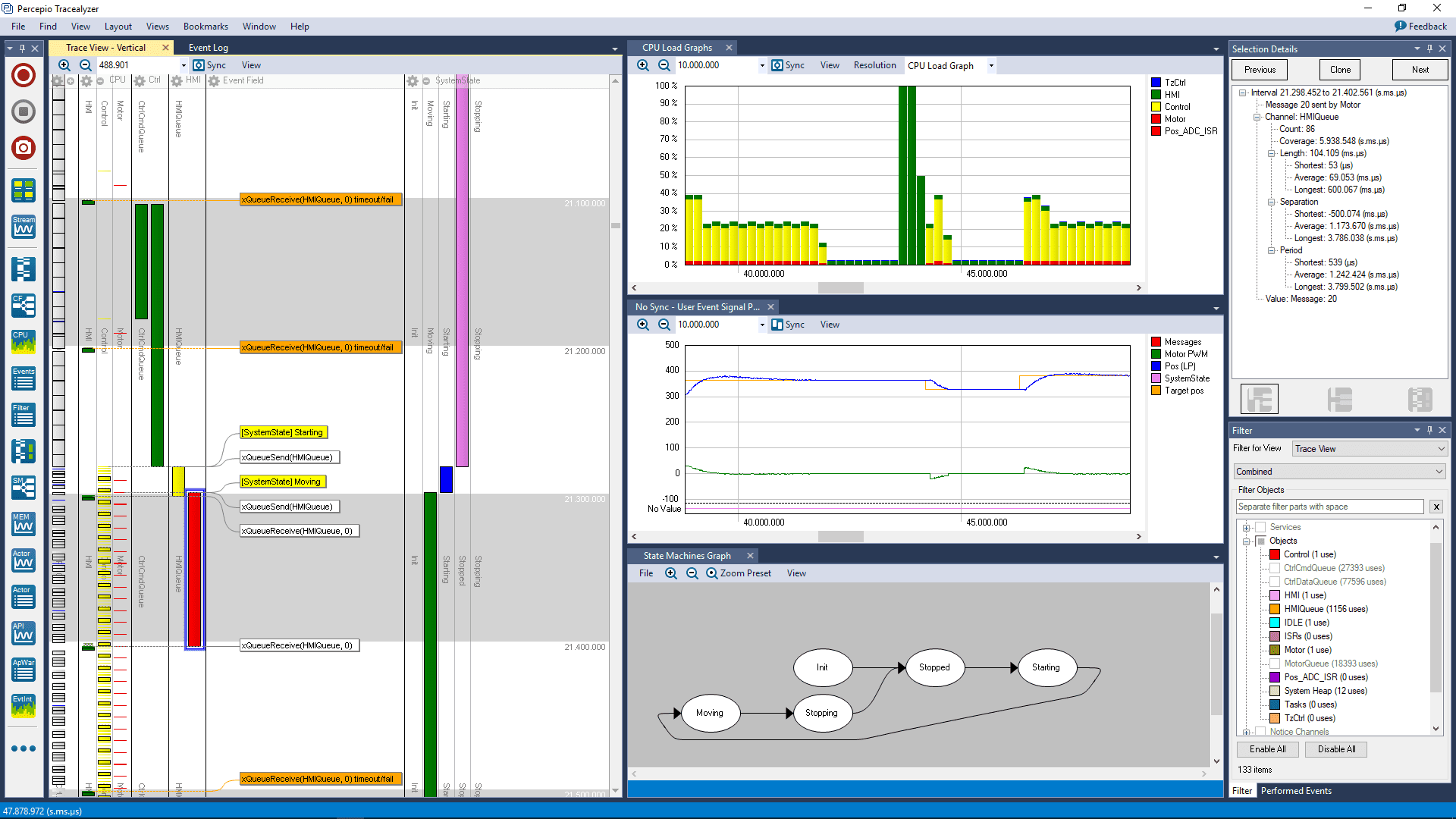
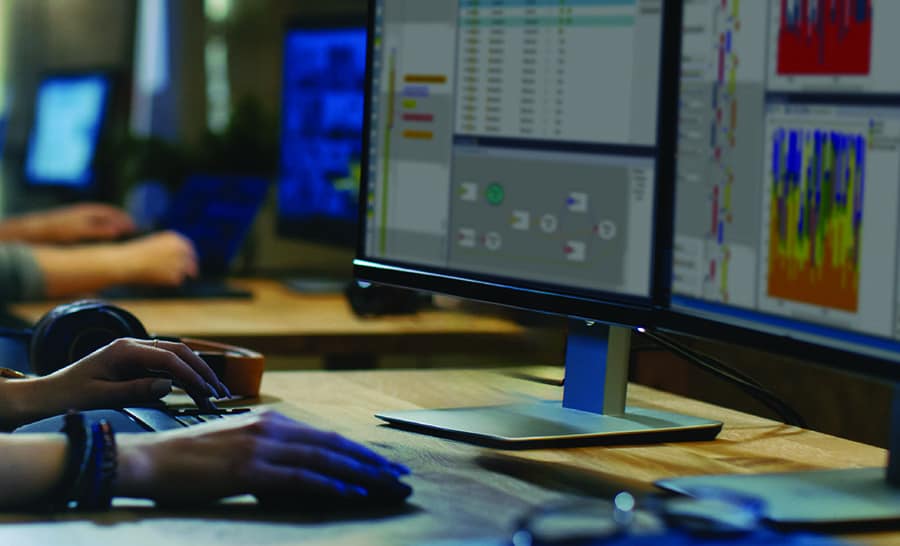
Trace and visualize your embedded software
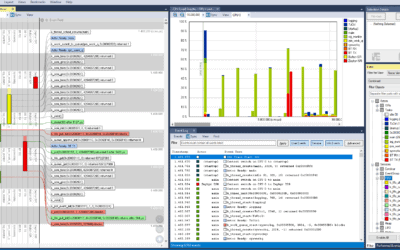
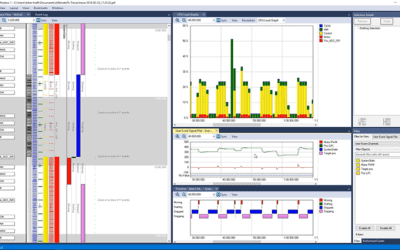
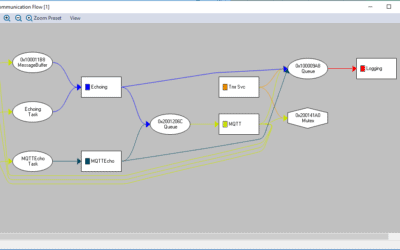
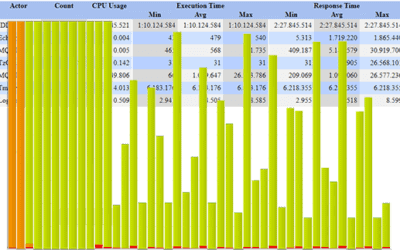
Percepio Tracealyzer® lets embedded software developers speed up debugging, optimize performance and verify software timing. Requiring no special hardware, Tracealyzer records and visualizes key events in your embedded software. The data can be streamed to the host application to record long traces, or kept in a circular RAM buffer for snapshots.
Several popular RTOS platforms are supported, such as FreeRTOS, Zephyr and ThreadX, as well as LTTng for Linux tracing. Check out the included Target OS integrations to learn more.
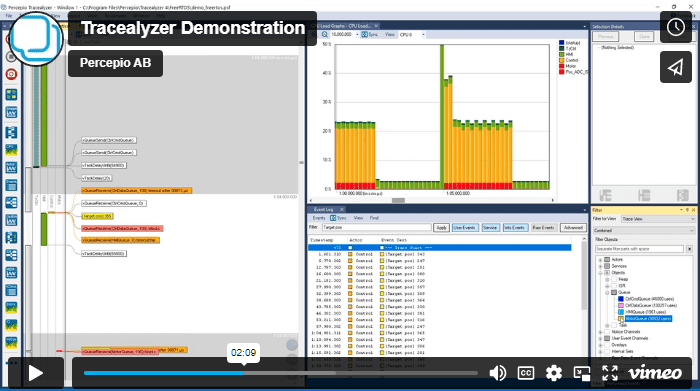
Learn more about Tracealyzer in this brief demonstration video by Percepio CTO and founder Dr. Johan Kraft.
On any processor
Tracealyzer supports many processor families, including STM32, NXP i.MX RT, Xilinx Zynq and other Arm devices, ESP32 and others. Adding support for other processors is easy and just a few lines of code. Tracealyzer is commonly used on 32-bit microcontrollers, 64-bit multicore SoCs and everything in between.
With any development tools
Tracealyzer can be used with any compiler, including GCC, Clang and IAR Embedded Workbench. Specific guides and debugger support are available for Arm Keil µVision, IAR, Segger J-Link, STM32CubeIDE, Espressif ESP-IDF and Lauterbach.
Learn More
There are plenty of articles and customer cases in our blog and in the Resources section. In particular, make sure to read the white paper Stop Guessing and also check out Tracealyzer Hands On, a series of short blogs on practical examples of Tracealyzer.

Continous Observability with Percepio DevAlert
Percepio also provides a cloud-connected solution for continuous observability in system testing, field testing and in deployment, Percepio DevAlert. This includes Tracealyzer support as well as remote debugging support on source-code level, for example on hard fault exceptions.
User Testimonals








“Tracealyzer has always offered exceptional value to our global community of users by giving engineers direct insight into how their applications are executing. This information is invaluable when both optimizing and debugging FreeRTOS applications.”
“Percepio Tracealyzer enables unparalleled insight into the execution and timing of the RTX5 real-time operating system, the MDK middleware components and the user application. Percepio is the first ARM partner to utilize our new Event Recorder technology, which provides high-speed access to a running target system.”
“What Percepio has achieved with Tracealyzer is to remove the guesswork of designing an RTOS-based system. It’s ability to record and then analyze what’s happening gives developers a view into their system that would be impossible to have otherwise.”
“It’s nearly impossible for developers to correct a safety, security, or performance issue if they can’t see or understand the problem. Percepio’s Tracealyzer provides extensive firmware visualization, which fosters a better understanding of the firmware. Developers using Tracealyzer on the PX5 RTOS platform can more easily enhance and optimize their firmware and swiftly debug issues, including the most difficult system crashes.”